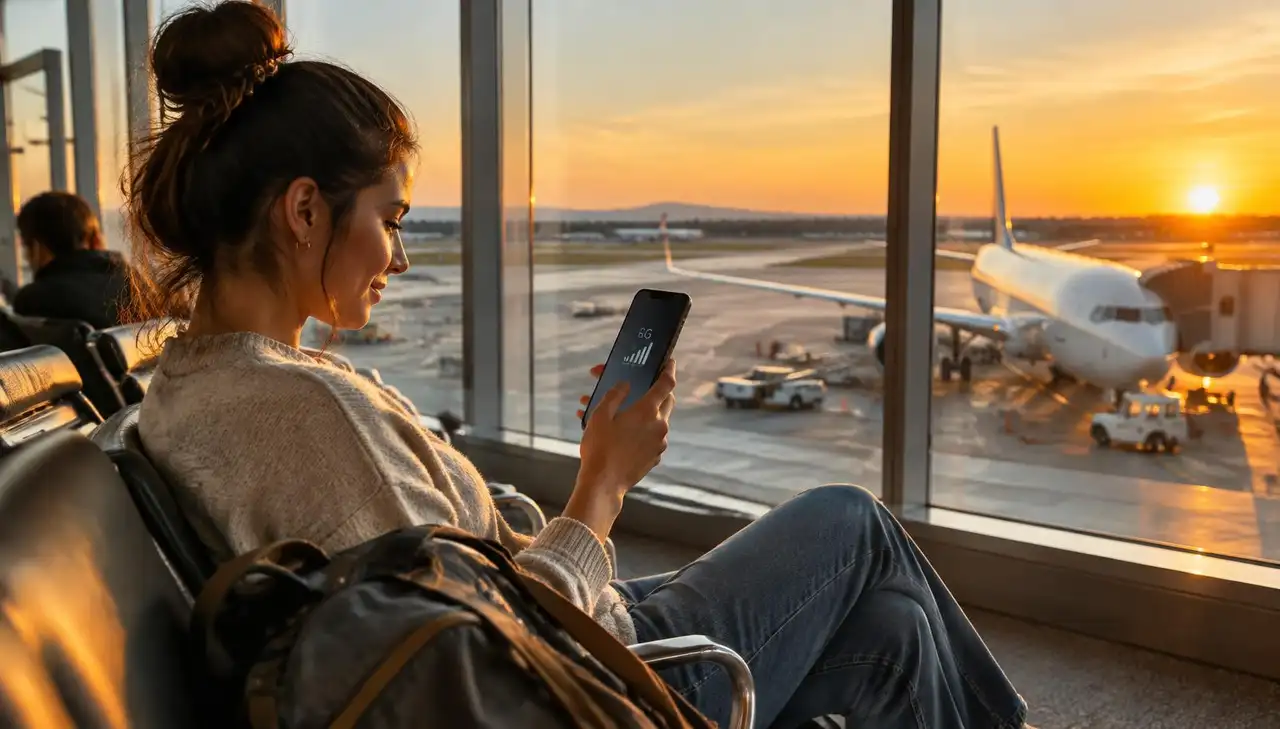
Free airport wifi is slow, crowded and often unsafe. Here is why, and how a travel eSIM gives you your own fast connection from the moment you land.
You land, switch off flight mode and go looking for the airport wifi. A login page. A form asking for your email. Then a connection that drops the second you try to book a taxi. Sound familiar? ✈️
Everyone is on it at once. Hundreds of passengers from the same flight connect at the same moment, so speeds collapse right when you need them. Time limits and logins. Many airports cap free sessions at 30 to 60 minutes or ask for personal details before you get online. It is an open network. On public wifi, anyone nearby can set up a hotspot with a similar name. That is why security experts advise against logging into banking or email on it. If you have to use it, turn on a VPN (here is why). It stops at the exit. The moment you walk to the taxi rank or train, the wifi is gone.
A travel eSIM gives you a private mobile data connection on the local 4G or 5G network. You install it at home, and it connects when you land. No login page, no time limit, and it keeps working in the taxi, the train and the hotel.
1. Buy an eSIM for your destination before you fly. 2. Install it at home over your own wifi (setup guide). 3. When you land, turn off flight mode and switch mobile data to the eSIM. 4. Keep data roaming off on your home SIM to avoid roaming charges.
Every airport guide explains the terminals, the free wifi name, how to get into town and which apps help on arrival:
Amsterdam Schiphol (AMS) London Heathrow (LHR) New York JFK (JFK) Dubai (DXB) Singapore Changi (SIN) Istanbul (IST) Paris Charles de Gaulle (CDG) Frankfurt (FRA) Madrid Barajas (MAD) Tokyo Haneda (HND) Seoul Incheon (ICN) Bangkok Suvarnabhumi (BKK) Doha Hamad (DOH) Los Angeles (LAX) Hong Kong (HKG)
Looking for another airport? See all airport guides.
Is airport wifi safe for banking? Better not. Use mobile data or a VPN.
Does an eSIM work in the terminal? Yes, as soon as your phone sees a local network, usually while you are still taxiing to the gate.
Do I lose my own number? No. Your home SIM stays in your phone for calls and texts.
Find the eSIM for your destination →