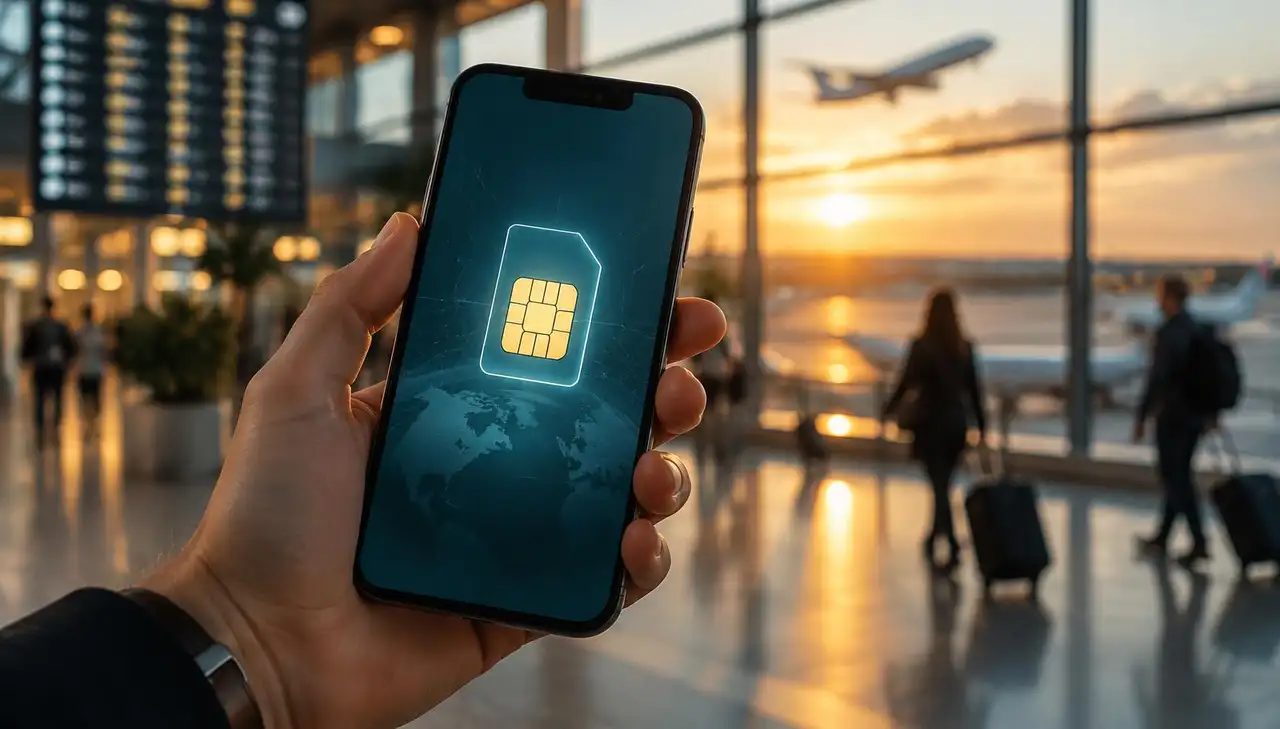
An eSIM is a SIM card built into your phone that downloads a network profile instead of arriving in an envelope. Here is what actually happens inside your device, why it works abroad, and what it cannot do.
You buy a travel data plan, a QR code appears on your screen, you scan it, and a minute later your phone is connected to a network on the other side of the world. No shop, no plastic card, no paperclip to poke the tray open.
It feels like magic. It is not. An eSIM does exactly what the plastic SIM in your pocket has always done, it just arrives as a download instead of in an envelope.
The chip in a traditional SIM card holds a tiny secure computer. It stores your phone number, an identifier called the IMSI, and a secret key that only your operator also knows. When your phone switches on, it asks the SIM to prove to the network that it belongs there. The network sends a challenge, the SIM answers it using that secret key, and the network decides you are allowed on.
That handshake is the whole trick. Everything else, your data bundle, your billing, your tariff, lives on your operator's systems, not on the card.
An eSIM keeps that same secure computer, but soldered onto your phone's mainboard during manufacturing. The "e" stands for embedded. It cannot be removed, swapped or lost, and it is roughly the size of a grain of rice.
Because the chip is fixed in place, the part that used to be physical now travels over the internet. That part is called an eSIM profile.
A profile is a small encrypted package containing the same things a plastic SIM held: the operator identity, the IMSI, the keys, and the rules for which networks the profile may use. When you scan a QR code, your phone contacts the server named in that code, proves it is a genuine device with a genuine eSIM chip, and the server delivers the profile into the chip's protected storage.
The profile can only be installed once. That is why a QR code stops working after the first scan, and why you should install it on the phone you are actually travelling with. If you want the technical name for the standard behind all this, it is GSMA SGP.22, the same specification every phone maker and operator follows.
Here is the part most travellers care about. A travel eSIM does not give you a magic private network. It gives you a profile from an operator that has roaming agreements in the country you are visiting.
When you land, your phone scans for available networks. It finds the local ones, presents your travel profile's identity, and the local network checks whether the issuing operator has an agreement covering it. If yes, you are admitted and your data flows through that local mast, billed against your travel bundle instead of your home contract.
This is why coverage is described per country and per network. A plan for Japan is a plan that has agreements with Japanese operators. Each of our country pages lists which networks a plan can use, for example the Japan eSIM page or the Thailand eSIM page.
It is also why your home bundle can stop working the moment you cross a border, even inside Europe. Roaming rules follow political agreements, not geography or currency.
Modern phones can hold several profiles and keep two of them active at once. That is what dual SIM means in practice.
In everyday terms: your home SIM stays switched on for calls and texts on your usual number, while your travel eSIM handles data. You set the travel profile as your data line, leave the home line for voice, and switch off data roaming on the home line so it cannot quietly run up charges in the background.
That last step is the one people forget. Installing a travel eSIM does not disable your home plan. You have to tell your phone which line to use for data. Our setup guide walks through the exact menus on iPhone and Android.
Nothing dramatic. Your data bundle is a balance on the operator's side, not something stored on your phone. When the balance hits zero or the validity window ends, the network simply stops admitting your traffic. The profile stays installed and inert.
At that point you either add a top-up to the same profile, if the plan supports it, or install a new one for your next trip. Old profiles can be deleted from your phone's settings when you no longer need them.
Being honest about the limits saves a lot of frustration.
It does not work on a phone that is carrier locked or does not have an eSIM chip. Most phones from 2019 onwards do, but check before you buy a plan. Our article on phone unlocking and carrier compatibility covers how to verify this. It usually does not give you a local phone number. Travel data plans are data only, so keep using WhatsApp, Signal or FaceTime for calls. It cannot be moved to another phone once installed. The profile is bound to the chip it landed on. It does not improve local coverage. If there is no signal in a remote valley, no eSIM will conjure one.
The flow is the same everywhere:
1. Buy the plan for the country or region you are visiting. 2. Open the email or your account and scan the QR code, or tap the install link on the phone itself. 3. Label the new line something like "Travel" so you can recognise it later. 4. Set your data line to the travel profile and turn off data roaming on your home line. 5. Land, switch the phone out of flight mode, and wait a minute for the local network to admit you.
Do steps 1 to 4 at home on wifi. Step 5 is the only one that needs to happen at your destination.
If something looks wrong after landing, it is almost always a settings issue rather than a broken profile. Our eSIM troubleshooting page lists the fixes in order, starting with the two that solve most cases: selecting the network manually and toggling data roaming on for the travel line.
An eSIM is a SIM card that was built into your phone at the factory. Buying a plan downloads an operator identity into that chip. That identity uses roaming agreements to get you onto local networks, and your data is billed against the bundle you bought rather than your home contract.
That is the whole mechanism. Everything else is menus.
Ready to try it? Browse plans by country or region on the destinations page, or read what is an eSIM for a plain-language primer.