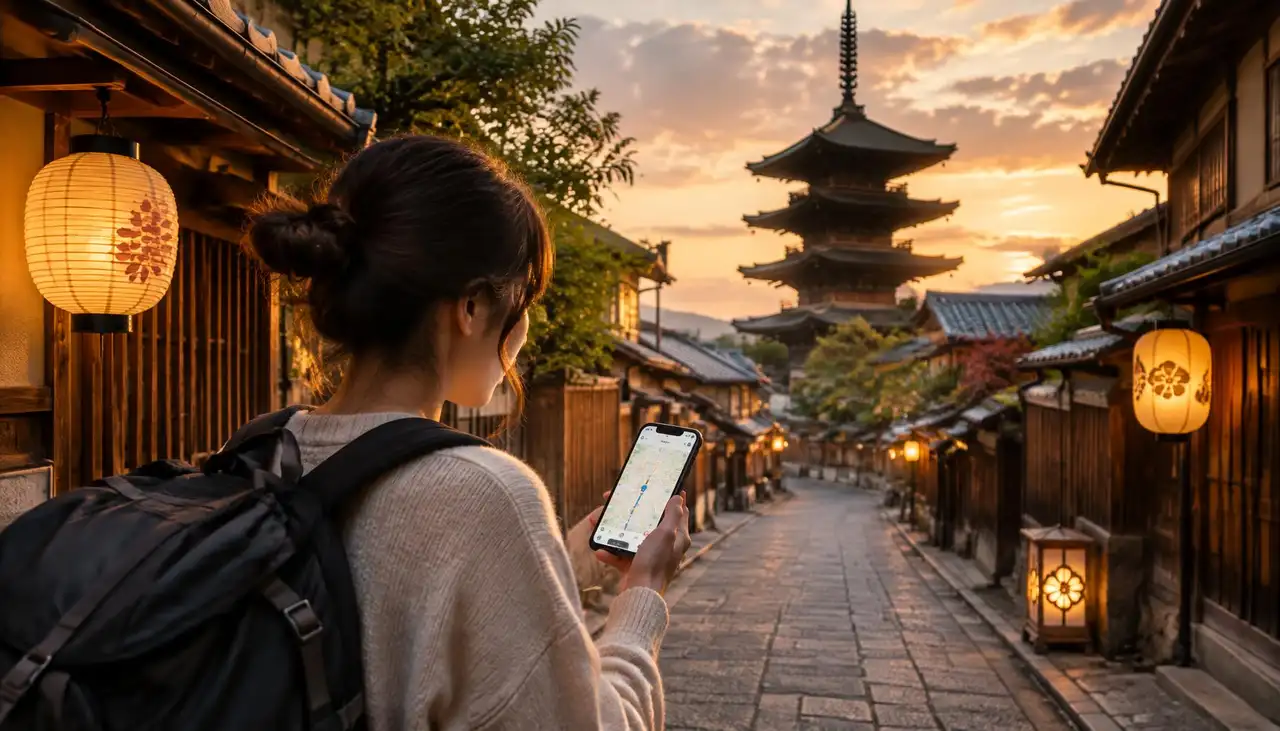
eSIM, tourist SIM or pocket WiFi? Seven practical tips to stay connected in Japan from the moment you land, from setup to data amounts and networks.
Japan is one of the easiest countries in the world to travel through, until you try to find your way out of Shinjuku Station without data. Train transfers, restaurant reservations, translation apps and QR menus all assume you are online. The good news: staying connected in Japan has never been simpler. This Japan eSIM and SIM card guide walks you through the options and gives you seven practical tips so your phone works from the moment you land.
Before the tips, here is how the three main options compare for a typical trip.
| Option | How it works | Best for | |---|---|---| | eSIM for Japan | A digital SIM you install on your phone before you fly | Most travellers with a modern phone | | Physical tourist SIM | A plastic SIM bought online or at the airport | Older phones without eSIM support | | Pocket WiFi | A small rented router you carry and return | Groups sharing one connection |
For most visitors, a Japan eSIM wins: nothing to pick up, nothing to return, and you keep your own SIM in the phone for calls and texts from home.
Most iPhones from the XR and later, recent Samsung Galaxy models and Google Pixel phones support eSIM. Your phone also needs to be unlocked, meaning it is not tied to one carrier. The quickest way to be sure is our list of compatible devices.
If your phone does not support eSIM, a physical tourist SIM or pocket WiFi is your fallback. Keep in mind that most tourist SIMs in Japan are data only, and SIMs with a Japanese phone number usually require residency.
This is the tip that saves the most stress. Buy and install your eSIM for Japan while you are still on your home WiFi, a few days before departure. Installation takes a couple of minutes: scan the QR code or tap install in the app, and the eSIM appears as a second line.
When you land at Narita, Haneda or Kansai, simply switch your data line to the eSIM and turn on data roaming for that line. No queues at SIM counters, no hunting for airport WiFi. Our setup guide shows every step for iPhone and Android.
Japan is a data hungry destination. You will use Google Maps constantly, translate menus with your camera, check train times and share photos along the way. As a rough guide:
Light use (maps, messaging, some browsing): about 1 GB per day Average use (plus social media and video calls): 1.5 to 2 GB per day Heavy use (streaming, hotspot for a laptop): consider an unlimited plan
Not sure where you fit? Our data usage calculator gives you a personal estimate in under a minute. And if you run low, you can simply top up.
Japan has excellent 4G and 5G coverage, from central Tokyo to the Japanese Alps. JamboSim plans for Japan run on the networks of KDDI and SoftBank, two of the country's major operators. That means strong signal in cities like Tokyo, Osaka and Kyoto, on the shinkansen routes and in popular regions like Hiroshima and Hokkaido. You can compare all plans on our Japan eSIM page.
In very remote mountain areas or deep inside some subway stations, coverage can drop briefly, just as it would with any local SIM. It usually comes back within moments.
One big advantage of an eSIM is that your regular SIM stays in your phone. You can keep your home number active for SMS codes from your bank, while all your data runs over the Japanese eSIM.
To avoid roaming charges from your home carrier, set the eSIM as your mobile data line and turn off data roaming on your home SIM. Calls and messages through WhatsApp, FaceTime or LINE run over data, so you can still reach everyone.
Japan has free WiFi in many stations, convenience stores and cafés, but it often asks for a sign up, times out after a while or is slow at busy moments. It also does not follow you onto the train or into a side street in Kyoto when you need directions.
Public networks are also less secure. For anything involving payments or personal accounts, your own mobile data is the safer choice.
Many travellers combine Japan with South Korea, Taiwan or Southeast Asia. Instead of buying a separate eSIM for every country, an Asia plan covers multiple destinations with one eSIM. If you want to see all your options, browse our destinations.
You may see travellers and Japanese sites search for 日本 eSIM, 日本esim or eSIM 日本. They all mean the same thing: a Japanese eSIM for your trip. Whichever way you search, the principle is identical. Pick a plan, install it before you go and switch it on when you land.
Deleting the eSIM too early. Only remove it after your trip, as a deleted eSIM usually cannot be reinstalled. Forgetting data roaming. Travel eSIMs need data roaming switched on for the eSIM line. Buying too little data. Running out in the middle of a day trip is no fun. A little extra headroom is worth it. Leaving your home SIM on data. This is the fastest way to an unexpected roaming bill.
Plans for Japan on the KDDI and SoftBank networks Install in minutes, before you leave home Prepaid, so you pay upfront and know exactly what you spend Manage and top up your eSIM in the JamboSim app Support from real people if anything goes wrong
Want more Japan specific advice on data amounts and travel habits? Read our guide to the best eSIM for Japan. New to eSIMs altogether? Start with How do eSIMs work?.
For most travellers an eSIM is better. You can install it before you fly, you keep your home SIM in the phone and there is nothing to collect or return. A physical SIM only makes sense if your phone does not support eSIM.
Most travel eSIMs for Japan, including ours, are data plans. You can still call and message through apps like WhatsApp, LINE and FaceTime. Plans with a Japanese phone number usually require a residence card.
Install it a few days before departure while you are on stable WiFi. Activate it by switching your data line when you arrive in Japan.
Yes. Coverage along the main shinkansen lines is strong, although you may lose signal for a moment in tunnels.
Most travellers use around 15 to 25 GB for two weeks. Heavy users who stream or use a hotspot may prefer an unlimited plan. Try the data usage calculator for a personal estimate.
In most cases, yes. You can share your connection with a laptop or a travel companion's phone, just keep an eye on your data use.
Get your Japan eSIM today, install it in minutes and land in Tokyo already connected. いってらっしゃい, have a great trip!
Our city and airport guides cover getting from the airport into town, free wifi, local apps and the right eSIM for every stop:
Airports: eSIM for Tokyo Haneda Airport (HND) · eSIM for Osaka Kansai Airport (KIX)