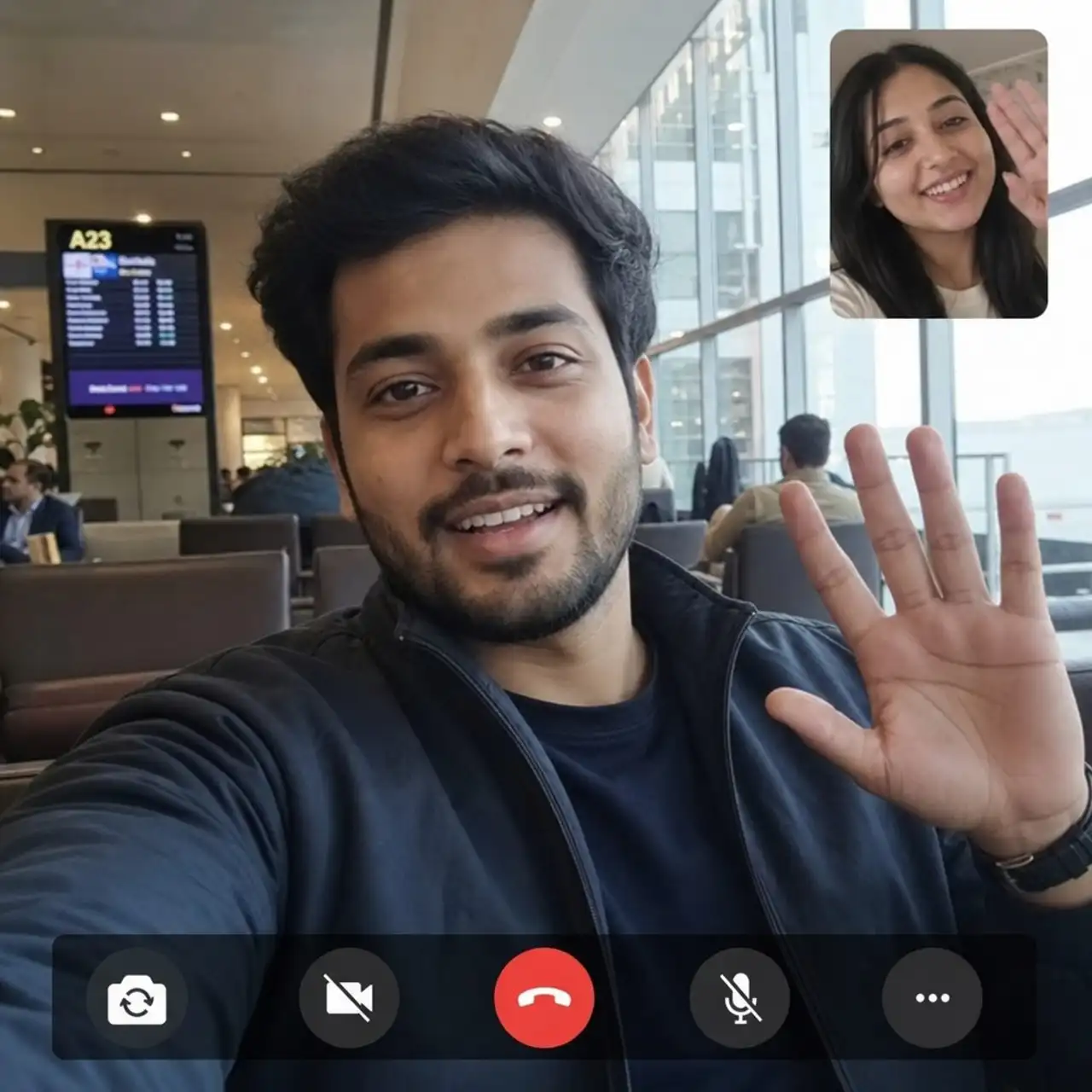
How WhatsApp calls work abroad, how to avoid roaming charges, and how to get clear video calls while you travel, while keeping your own number.
Hey fellow explorers! 👋 Waving goodbye at the airport is hard. Waving hello on a video call from the other side of the world? Much better. WhatsApp is one of the easiest ways to stay in touch with family, friends and colleagues while you travel. It's free, you probably already have it, and your contacts are right there.
But there's one catch many travelers forget: WhatsApp needs internet. In this guide we explain how WhatsApp calling works abroad, how to avoid surprise roaming bills, and how to get the best call quality on the road.
Yes! WhatsApp works in almost every country, as long as your phone has an internet connection through Wi-Fi or mobile data. According to WhatsApp's own Help Center, calls go over your internet connection, so you can call someone in another country without paying for international minutes.
That's the big difference with a normal phone call:
WhatsApp to WhatsApp calls use data, not calling minutes. Both people need WhatsApp. Regular phone calls use your carrier's voice network and can come with steep international or roaming fees. Mobile data while roaming makes WhatsApp work, but can get expensive if your home plan doesn't include affordable data abroad.
So the question isn't "does WhatsApp work overseas?", it's "how do I get good, affordable data overseas?" 😉
WhatsApp itself doesn't charge for voice or video calls. Your mobile provider can still charge for the data you use, especially when roaming. A video call uses a lot more data than a voice call, often hundreds of megabytes per hour, so a few long calls on roaming data can add up fast.
To keep costs under control:
✅ Use trusted Wi-Fi when it's stable. ✅ Turn off data roaming if you don't have a travel data plan. ✅ Get a travel eSIM with a clear data allowance and a fixed price. ✅ Turn off media auto-download on mobile data (Settings, Storage and data). ✅ Check your usage in WhatsApp under Settings, Storage and data, Network usage. ✅ Switch to voice only when your data is running low.
Not sure how much data your calls will use? Try our data usage calculator.
Hotel Wi-Fi is great, until it isn't. Crowded airport networks, weak café signals and "please log in again" pages are not what you want halfway through a birthday call with grandma. With a JamboSim eSIM you have mobile data the moment you land, on a local network, without roaming charges.
And here's the best part: you keep your own WhatsApp number. WhatsApp is linked to your phone number, not to the SIM that provides your data. Keep your home SIM in your phone (turn off its data roaming), let the eSIM handle the data, and your friends see the same number they always call. Just make sure you can still receive an SMS on your home number in case WhatsApp ever asks you to verify again.
Find a plan for your trip on our destinations page, or pick one eSIM for multiple countries with our Europe, Asia or Global plans.
A few minutes of prep saves a lot of stress later:
1. Update WhatsApp so you have the latest calling features and security fixes. 2. Test your camera and microphone with a short video call at home. 3. Check your contacts: make sure the people you want to call are on WhatsApp. 4. Sort your data: install your eSIM before you leave. Our setup guide shows you how, and our compatible devices list tells you if your phone supports eSIM. 5. Help the people at home: especially less techy relatives, do a practice call together before you go.
A video call is only as good as the weakest connection in the conversation. A few habits make a big difference:
Get closer to the router or step outside for a better mobile signal. Pause heavy apps like streaming, cloud backups and big downloads. Use headphones to reduce echo, especially in noisy places. Find good light: face a window instead of sitting with it behind you. Keep the phone steady on a table or against a glass. Switch to voice if the video keeps freezing. Audio holds up much better on a weak connection.
Planning an important call, like a job interview or a family celebration? Do a quick test a few minutes before, on both sides.
WhatsApp has a setting to protect your IP address during calls by routing them through WhatsApp's servers (Settings, Privacy, Advanced). It's nice for privacy, but WhatsApp notes call quality can be a bit lower, so try it before an important call.
Also keep in mind that WhatsApp is not a replacement for every call. For emergency services, banks, airlines or official institutions, you may still need a regular phone call. Many JamboSim plans are data only, so for those situations keep your home SIM active, or check if your destination offers a plan with voice and SMS.
WhatsApp shines for everyday calls with people you already chat with: family, friends, your Airbnb host or a tour guide. You send a message, share a photo, and jump into a video call without changing apps. For big business meetings, webinars or screen sharing heavy presentations, a dedicated meeting app might be a better fit. The nice thing: all of them run on the same thing, a good data connection. 📶
1. Connect to good Wi-Fi or check that your travel eSIM is active. 2. Open the chat of the person you want to call. 3. Tap the video icon inside WhatsApp (not your phone's regular dialer). 4. Say hi and check they can hear and see you. 5. Move or switch networks if the call breaks up. 6. Go audio only when the conversation matters more than the picture.
Do I keep my WhatsApp number when I use a JamboSim eSIM? Yes. Your WhatsApp account stays linked to your own number. The eSIM only provides the data connection.
Is WhatsApp calling free abroad? WhatsApp doesn't charge for calls, but you need data. With a travel eSIM you pay a fixed price for your data, so no roaming surprises.
How much data does a WhatsApp video call use? It depends on quality and connection, but video uses much more than voice. Plan extra data if you make long video calls, and use our calculator for an estimate.
Can I call regular phone numbers with WhatsApp? No, WhatsApp calls only work between WhatsApp users.
With WhatsApp and a JamboSim eSIM, staying close to the people you love is just a tap away, from the beach, the mountains or your airport gate. Test your setup, grab your eSIM, and enjoy every "hello from anywhere". 🌍
Safe travels, and see you online wherever you go!
Need a local number too? See our eSIM with a phone number with calls and SMS.