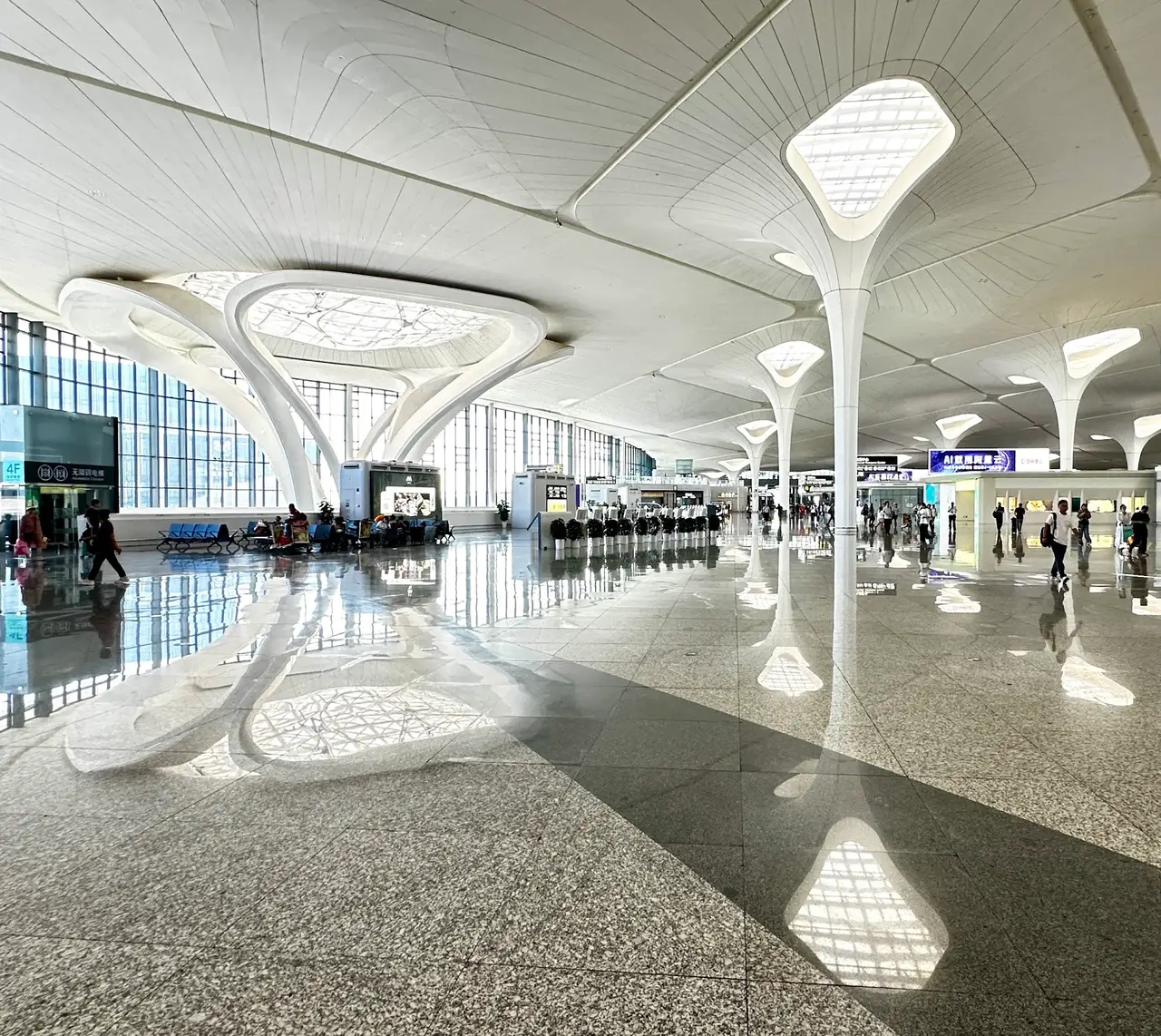
Welcome to Hangzhou! Whether you are visiting the famous West Lake or attending a major tech conference, landing at Hangzhou Xiaoshan International Airport (HGH) is your first step into a vibrant city. Handling over 50 million passengers annually, this bustling hub can feel a bit overwhelming after a long flight. Grab a JamboSim eSIM before you fly to secure an instant, reliable data connection the second you touch down in China. 🥟
When you touch down at Terminal 4, you will want to get connected immediately. Sorting out a physical SIM card at the arrivals hall means queuing up, showing your passport, and dealing with language barriers. Instead, a travel eSIM lets you skip the hassle completely. You can just walk right past the kiosks, collect your bags, and head straight for the exit with your data already running smoothly. It is the easiest way to start your Hangzhou adventure without missing a beat.
Hangzhou Xiaoshan offers the Airport-Free-WiFi network across its terminals, but relying on it is not always a breeze. Public networks often require a local phone number or WeChat account to receive a verification code, which is frustrating if you have just arrived. More importantly, airport Wi-Fi leaves you disconnected the moment you step outside. With your own eSIM data plan, you have a secure, continuous connection from the baggage carousel all the way to your hotel room.
For your trip to Hangzhou, you will want our dedicated China eSIM. This plan is specially designed to give you fast, reliable coverage across the country without triggering expensive daily roaming charges from your home network. Since many popular websites and apps are usually restricted in China, having a travel eSIM often helps route your data seamlessly so you can stay in touch. Just pick a data package that fits the length of your stay and your browsing habits.
Setting up your eSIM is remarkably simple, but you should do it before you leave home. Purchase your plan and install the digital profile using your home Wi-Fi network. This way, everything is prepared in the background. Once your plane lands in Hangzhou, just turn off airplane mode and switch your data roaming settings to ON for your new JamboSim line. Your phone will connect to a local network within moments, giving you instant access to the web.
Hangzhou is about 27 kilometres away from the airport, but transport is incredibly efficient. Metro Line 19 links the airport to the city centre and Hangzhou East high-speed rail station in roughly 30 minutes. To navigate this easily, download the Hangzhou Metro app, Amap, and Didi for ride-hailing. Payment in China is almost entirely digital, so setting up Alipay or WeChat Pay before you arrive is absolutely essential to buy your train tickets or pay your driver.
If you are just passing through Hangzhou Xiaoshan on a layover, having mobile data transforms your waiting time. You might be connecting from the international Terminal 4 over to domestic flights in Terminal 1 or Terminal 2. A working connection means you can track your next departure on Flightradar24 or manage your boarding pass on the China Eastern app. You can comfortably reply to emails, catch up on news, or message family without hunting for a Wi-Fi signal.
Navigating this massive airport is much easier when you know what to expect. Terminal 4 is your main hub for international flights, while Terminals 1 and 2 handle the domestic traffic. If you do not speak Mandarin, having Google Translate and Pleco downloaded on your phone is incredibly helpful for reading signs or chatting with staff. Remember to keep your mobile power bank handy, as navigating a digital-first country like China will drain your battery quickly. 📱
Hangzhou is Alipay's home town, so that app opens more doors here than anywhere else - set it up before you fly. Metro line 19 gets you downtown fast, Amap handles navigation, and Didi is the taxi default.
Yes, the airport offers the Airport-Free-WiFi network. However, connecting usually requires receiving a text message verification code, which can be tricky if you do not already have an active local phone number or roaming plan.
There are telecom counters in the arrivals area where you can purchase a local SIM card. You will need to present your passport for registration, and there may be a queue during peak international arrival times.
The airport is located roughly 27 kilometres east of the city centre. Taking Metro Line 19 is the fastest route, getting you into the heart of Hangzhou in about 30 minutes.
Digital payments are essential, so you must install Alipay or WeChat. For navigation and transport, download Amap, Didi for taxis, and the Hangzhou Metro app. A translation app like Pleco is also very helpful.
All international flights arrive at and depart from Terminal 4. If you are catching a domestic flight afterwards, you will need to transfer to either Terminal 1 or Terminal 2.
You should install your eSIM at home while you still have a strong, reliable Wi-Fi connection. Once installed, simply leave it turned off until you land, then switch on data roaming to activate it.