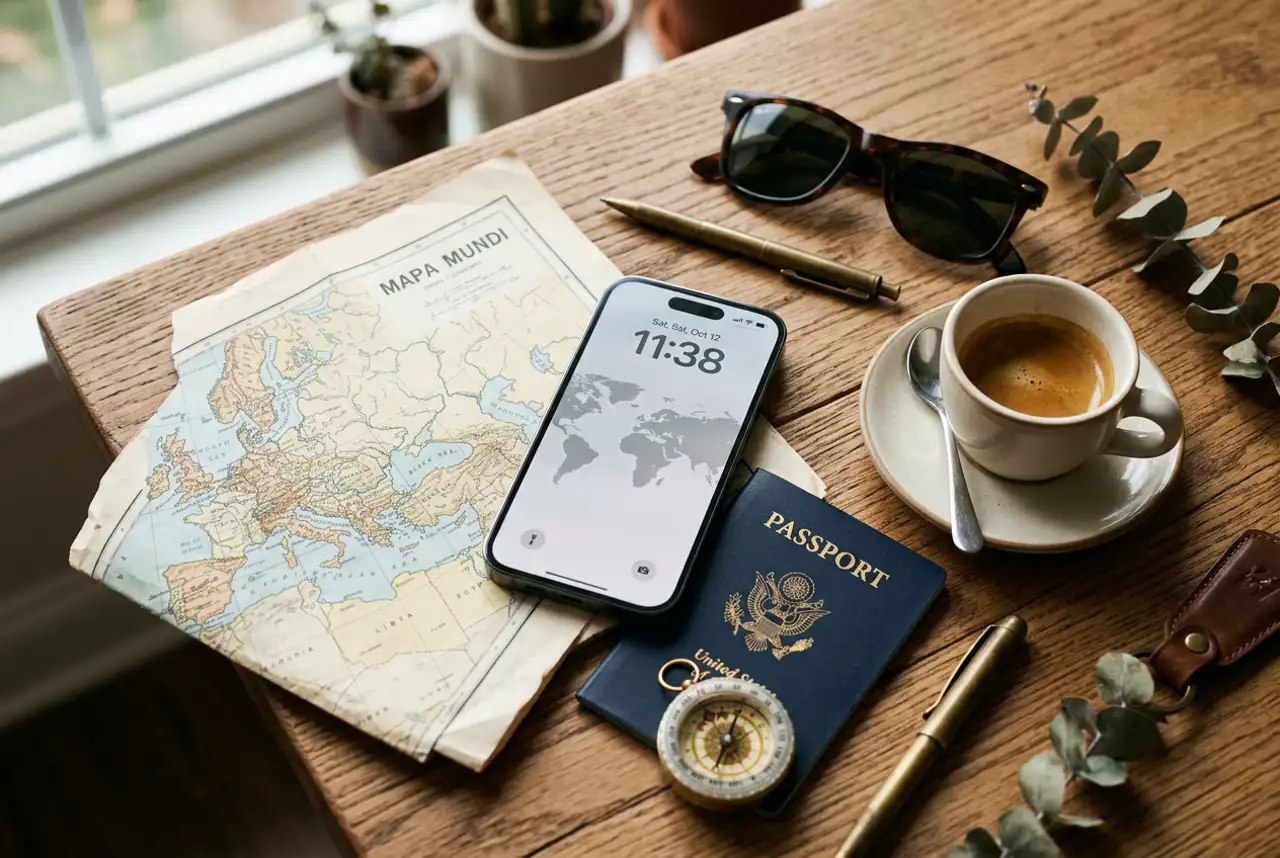
Everything you need to know about using an eSIM on iPhone while travelling - supported models, dual-SIM setup, step-by-step install, and which JamboSim plan to pick.
If you own an iPhone from the last few years, you're already holding the best travel SIM setup money can buy - you just may not know it yet.
An eSIM on iPhone lets you keep your normal number active for WhatsApp, banking codes and family calls, while a second line - your JamboSim travel eSIM - handles all your mobile data abroad. No SIM tray, no paperclip, no shady airport kiosk, no €400 roaming surprise when you get home.
This guide walks you through everything: which iPhones support eSIM, how dual SIM actually works, how to install your JamboSim eSIM in 60 seconds, and the settings that trip people up.
--
Every iPhone XS, XR and newer sold outside the US supports eSIM alongside a physical SIM (dual SIM). In the US, iPhone 14 and newer are eSIM-only - no SIM tray at all.
| iPhone model | eSIM support | Notes | |---|---|---| | iPhone XS / XS Max / XR | ✅ Yes | First eSIM-capable iPhones (2018) | | iPhone 11 / 12 / 13 series | ✅ Yes | Dual SIM (1 physical + 1 eSIM, or 2 eSIMs from iOS 16) | | iPhone SE (2nd & 3rd gen) | ✅ Yes | eSIM works fine - yes, even on the SE | | iPhone 14 / 15 series | ✅ Yes | US models are eSIM-only, rest of world is dual SIM | | iPhone 16 / 17 series | ✅ Yes | Up to 8 eSIMs stored, 2 active at once |
Jambo tip: not sure which model you have? Open Settings → General → About → Model Name. If it says iPhone XS or newer, you're good to go.
If you're on an iPhone X, 8 or older, your phone is physical-SIM only. You can still travel with a local SIM card, but you'll miss the magic of dual-line.
--
This is the killer feature for travellers. On a modern iPhone you have two active lines at the same time:
📞 Primary line - your home number. Keeps receiving calls, SMS, WhatsApp messages, two-factor codes, and iMessage. 🌍 Secondary line - your JamboSim travel eSIM. Handles all your mobile data abroad.
Calls and texts on your home number keep working over Wi-Fi or the data connection of your travel eSIM (via Wi-Fi Calling), so you're never really "off". And because your travel eSIM is a data-only line, you don't pay for international calls - everyone reaches you the same way they always do: WhatsApp, iMessage, FaceTime.
--
After checkout, JamboSim emails you a QR code. From there:
1. Make sure your iPhone is on Wi-Fi (you'll be downloading the eSIM profile). 2. Open Settings → Cellular (or Mobile Service on newer iOS versions). 3. Tap Add eSIM. 4. Tap Use QR Code and scan the code from another screen, or tap Enter Details Manually to paste the activation code from your email. 5. Label the line something obvious like "JamboSim Travel" so you can find it later. 6. iOS will ask which line to use for calls, iMessage and mobile data - set calls/iMessage to your primary line, and mobile data to your JamboSim line when you're abroad.
That's it. The eSIM is installed. ✅
Jambo tip: install the eSIM at home before you fly, but leave the line turned off until you land. Your validity only starts when the eSIM connects to a network at your destination - not the moment you buy it.
--
Install before, activate after. Always.
Before you leave: install the profile on Wi-Fi at home, double-check it shows up under Settings → Cellular, then toggle the line off with the switch at the top of the eSIM details page. On landing: airplane mode off, toggle the JamboSim line on, and set it as your mobile data line. Within 30-60 seconds you'll see signal from the local partner network.
If anything looks stuck, a quick airplane mode on/off almost always fixes it.
--
Most "my eSIM isn't working" support tickets come down to these three:
Settings → Cellular → Cellular Data → JamboSim Travel. If your home line is selected, you're roaming on your home carrier - exactly what we're trying to avoid.
That setting lets iOS silently fall back to your home line if the travel line struggles. Great in theory, expensive in practice. Turn it OFF while you're abroad: Settings → Cellular → Cellular Data → Allow Cellular Data Switching.
Travel eSIMs technically connect via roaming partners. On the JamboSim line specifically, Data Roaming must be ON: tap the line → Data Roaming → enabled. Your home line can stay with roaming off - that's the whole point.
--
Your iPhone works the same on every JamboSim plan - pick by destination:
🇪🇺 Europe trip → JamboSim Europe eSIM - one profile across 30+ countries, no Schengen-border hiccups. 🇺🇸 USA, Canada or Mexico → North America eSIM - T-Mobile, Bell, Telcel. 🌏 Japan, Thailand, Vietnam, Korea… → Asia eSIM - one eSIM for the whole multi-country itinerary. 🌐 World tour or unsure route → Global eSIM - 100+ countries on a single profile.
Single-country trip? Search your destination in our country eSIM list - most travellers save money buying a country plan over a regional one.
--
Does installing an eSIM cost extra on iPhone? No. iOS has eSIM support built in - Apple doesn't charge for it, and neither does JamboSim. You only pay for the data plan itself.
Does eSIM work on iPhone SE? Yes - iPhone SE 2nd gen (2020) and 3rd gen (2022) both support eSIM with dual SIM exactly like the flagship models.
Can I have two eSIMs active at once? Yes. From iOS 16 onwards, iPhone 13 and newer can have two eSIMs active simultaneously - useful if you keep a permanent travel eSIM and add a country-specific one on top.
Will I lose WhatsApp on my home number? No. WhatsApp stays bound to your primary line and works perfectly over your travel eSIM's data - same chats, same contacts, same number.
Can I move my JamboSim eSIM to a new iPhone? You can transfer eSIMs between iPhones during setup ("Transfer from another iPhone"). If you've already activated the line, message JamboSim support - we can re-issue the profile for your new device.
--
Your iPhone is already a travel-ready phone. All it needs is a JamboSim eSIM and 60 seconds of setup.
👉 See all JamboSim eSIM plans →
Safe travels, and stay connected. 🌍